Workflows for digital creatives, combining packages, profiles and configurations for various use cases.
Chord Performer
Overview
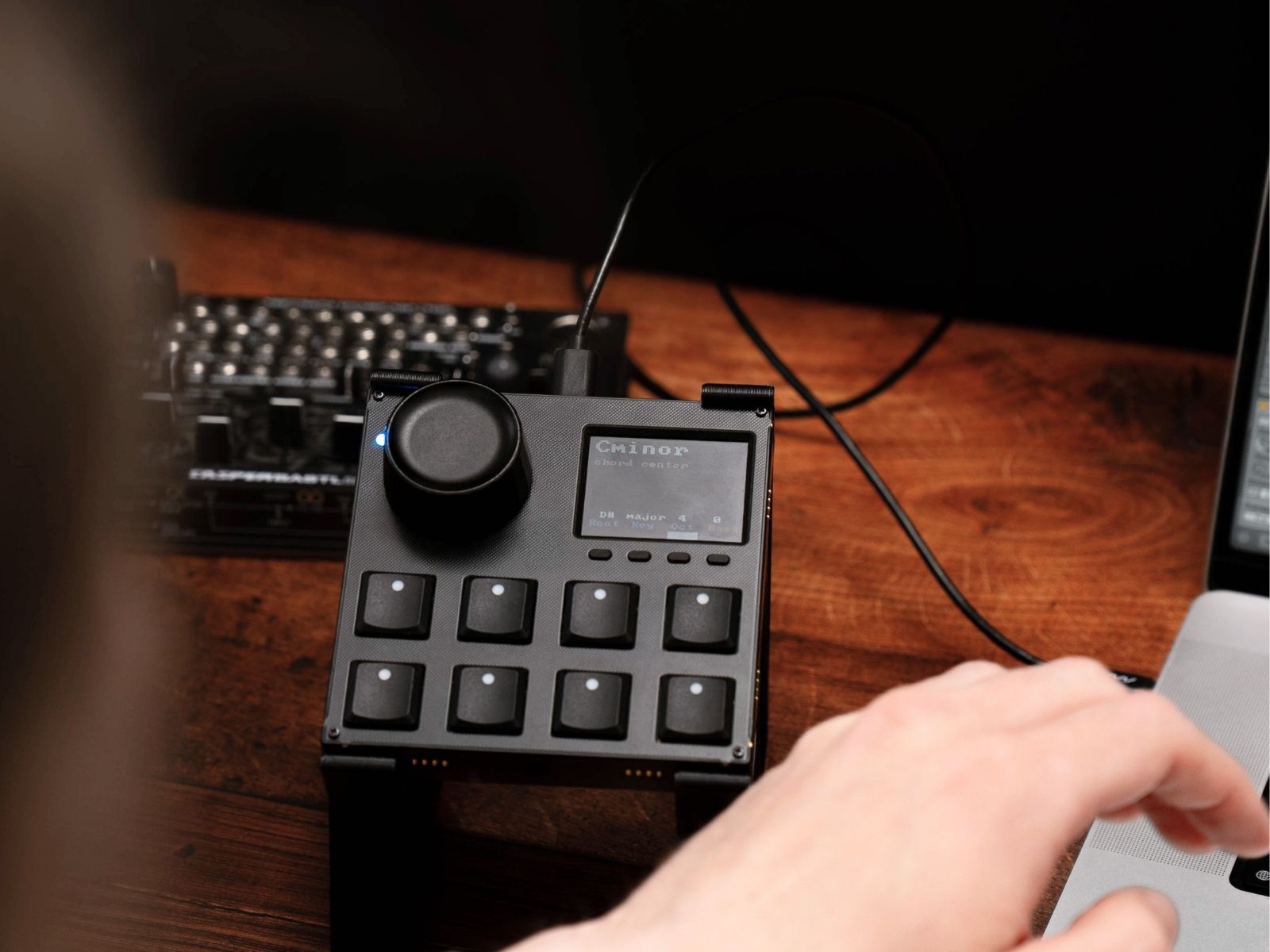
The VSN1 lets you explore harmony in a direct and expressive way. Play triads in any major or minor key with velocity-sensitive pads, natural timing variations, and clear visual feedback for every note. Ideal for quick songwriting ideas or live performance, it keeps your playing fluid and musical.
Profile preview
Sneak peak into the configuration used in this workflow. The elements are named according to their functionality. If there is a ring around the element, you can click on it for more info.
Products featured in this workflow
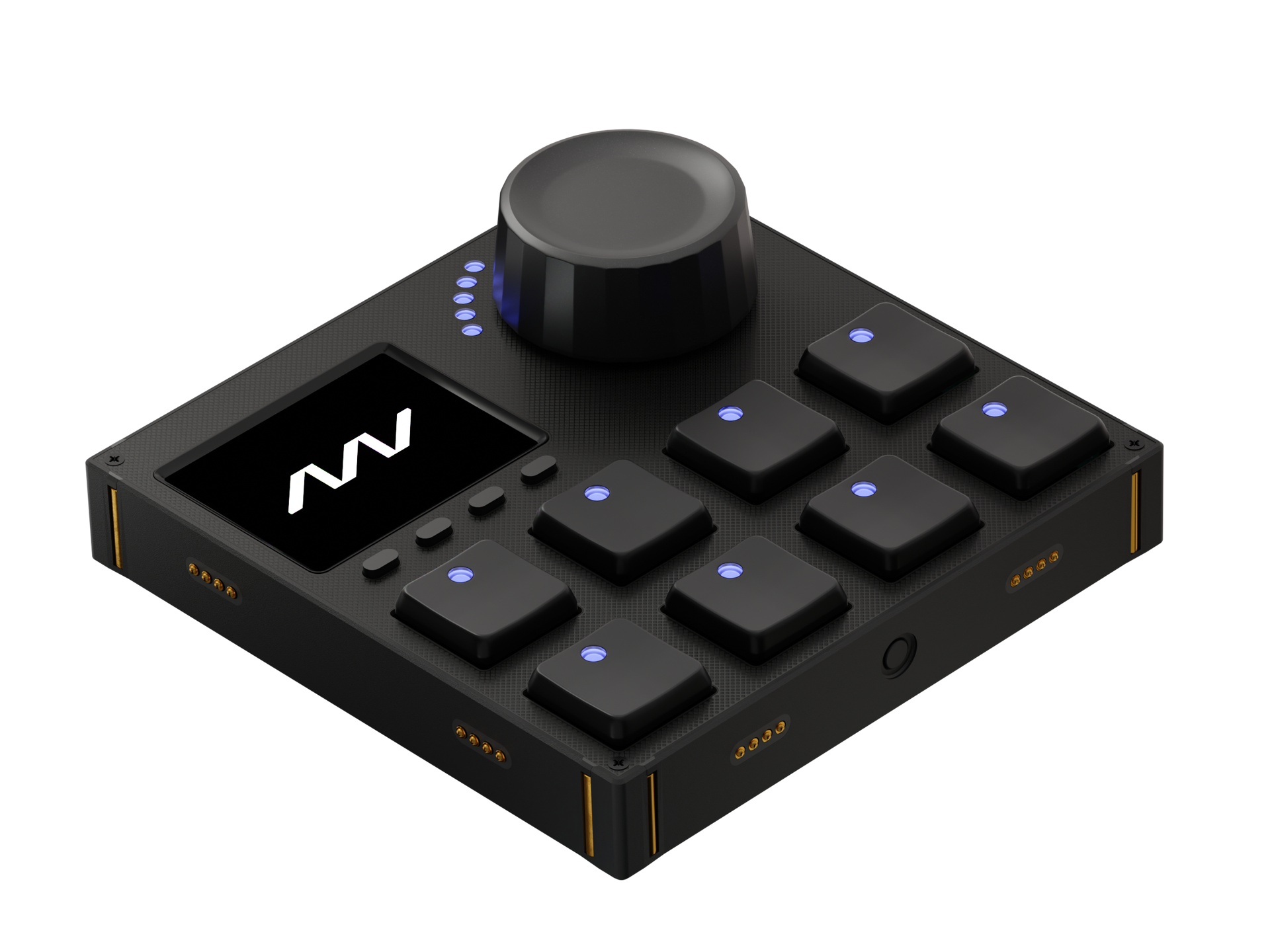
Our workflow configurations are made for specific modules for the most convenient experience. The configurations can be adapted to other modules, once you get to know Grid in detail.
Responsive Pads
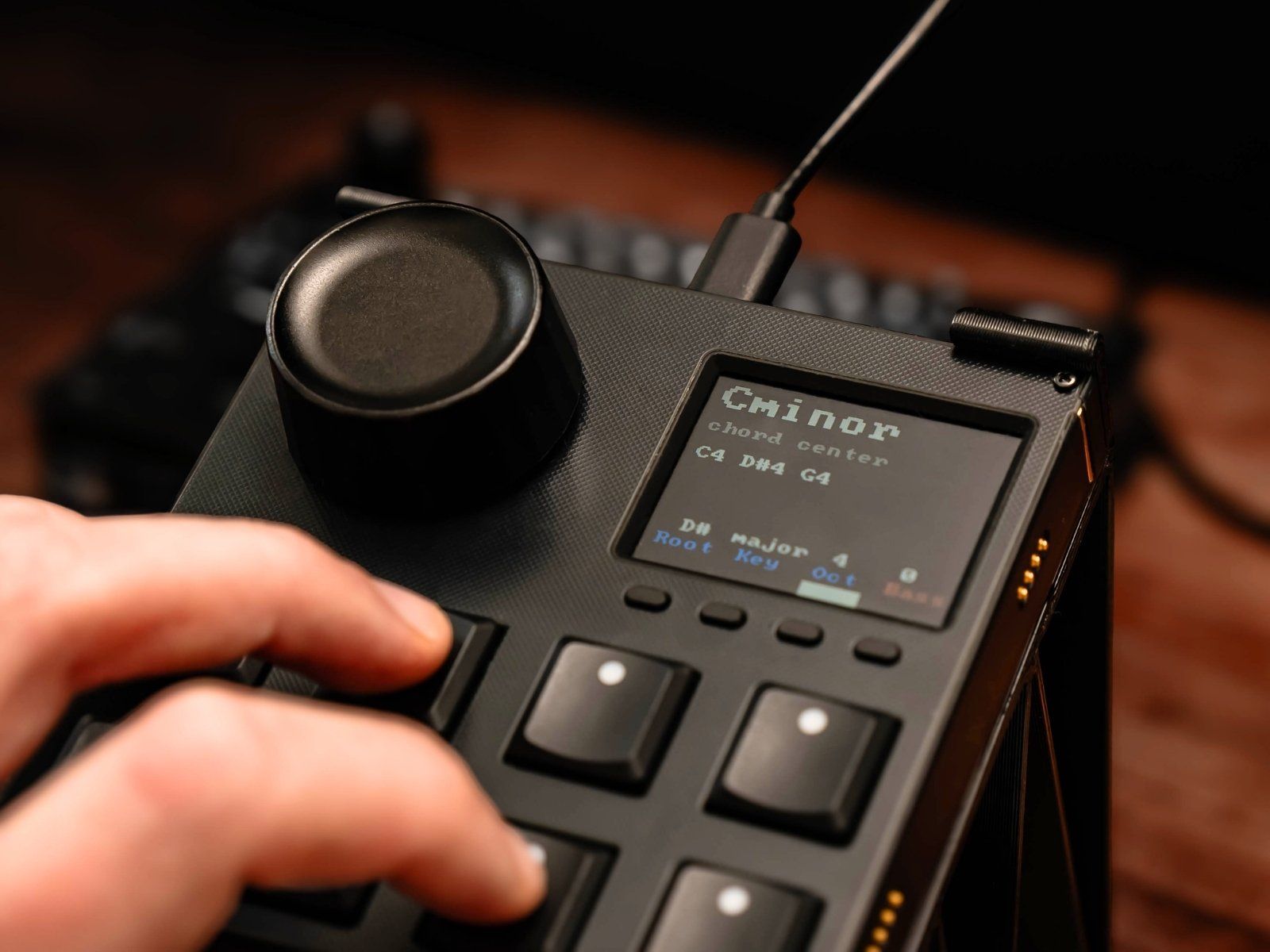
Each pad responds to your touch with velocity sensitivity, making chords feel dynamic and alive. You can also add a bass note to your triads for deeper progressions.
Chord Center Mode
The chord center mode is a chord feature that places chord notes around a designated central root note, rather than building upward from the root. It enables smooth voice leading by automatically inverting chords to stay close to a center point.
Visual Feedback
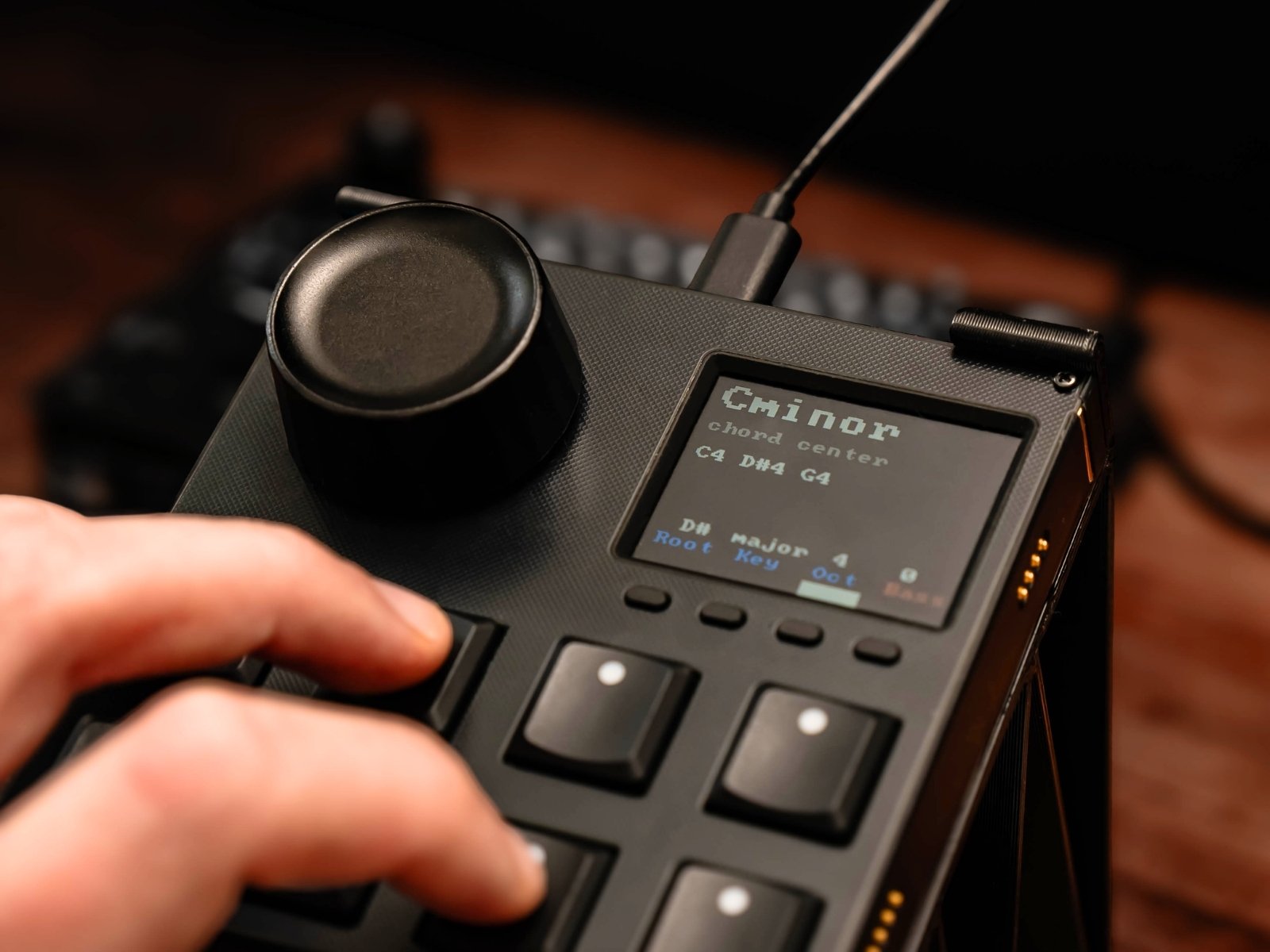
See the chord and individual notes displayed in real time. A simple, clear way to stay aware of your harmony while you play or record.
Adjust the setup to your workflow
In our workflow demonstrations, we focus on efficient showcases of key features. We are well aware of the fact, that there is hard to find a one-size-fits-all solution when it comes to creative processes. All profiles, which are used in workflows can be changed and further customized. In most cases, the profile descriptions in the Editor software can be followed for quick configurations or use parts of the config to build out your truly own workflow.
Below you can view the current description of the profiles featured in this workflow.
Click here to add description
Products featured in this workflow
Our workflow configurations are made for specific modules for the most convenient experience. The configurations can be adapted to other modules, once you get to know Grid in detail.