Workflows for digital creatives, combining packages, profiles and configurations for various use cases.
TouchDesigner control
Core Control
Fast, intuitive parameter control for TouchDesigner. Hover over any parameter or parameter group to take control instantly. Fixed and Adaptive step modes provide precise or expressive control across any parameter range. Save and recall parameters using the slot buttons and perform many more custom parameter operations without menu diving.
Profile preview
Sneak peak into the configuration used in this workflow. The elements are named according to their functionality. If there is a ring around the element, you can click on it for more info.
Products featured in this workflow
Our workflow configurations are made for specific modules for the most convenient experience. The configurations can be adapted to other modules, once you get to know Grid in detail.


Parameter Actions & Navigation
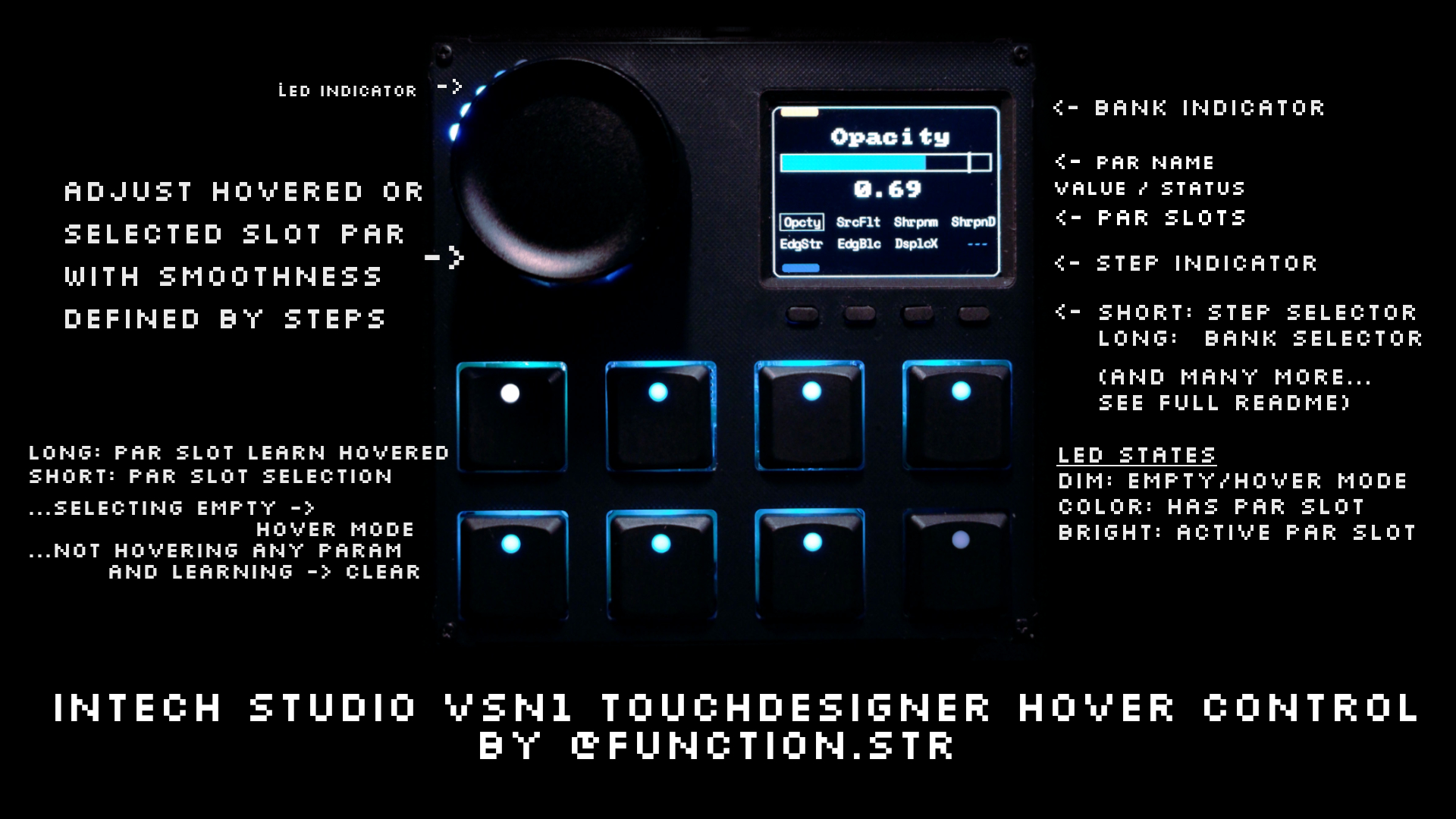
Trigger pulse, momentary, and toggle parameters using the knob push button. Use button combos to reset values, set defaults, define min/max ranges, clamp values, switch step modes, jump directly to an operator, open the component editor, or instantly home the network editor.
Slots & Banks
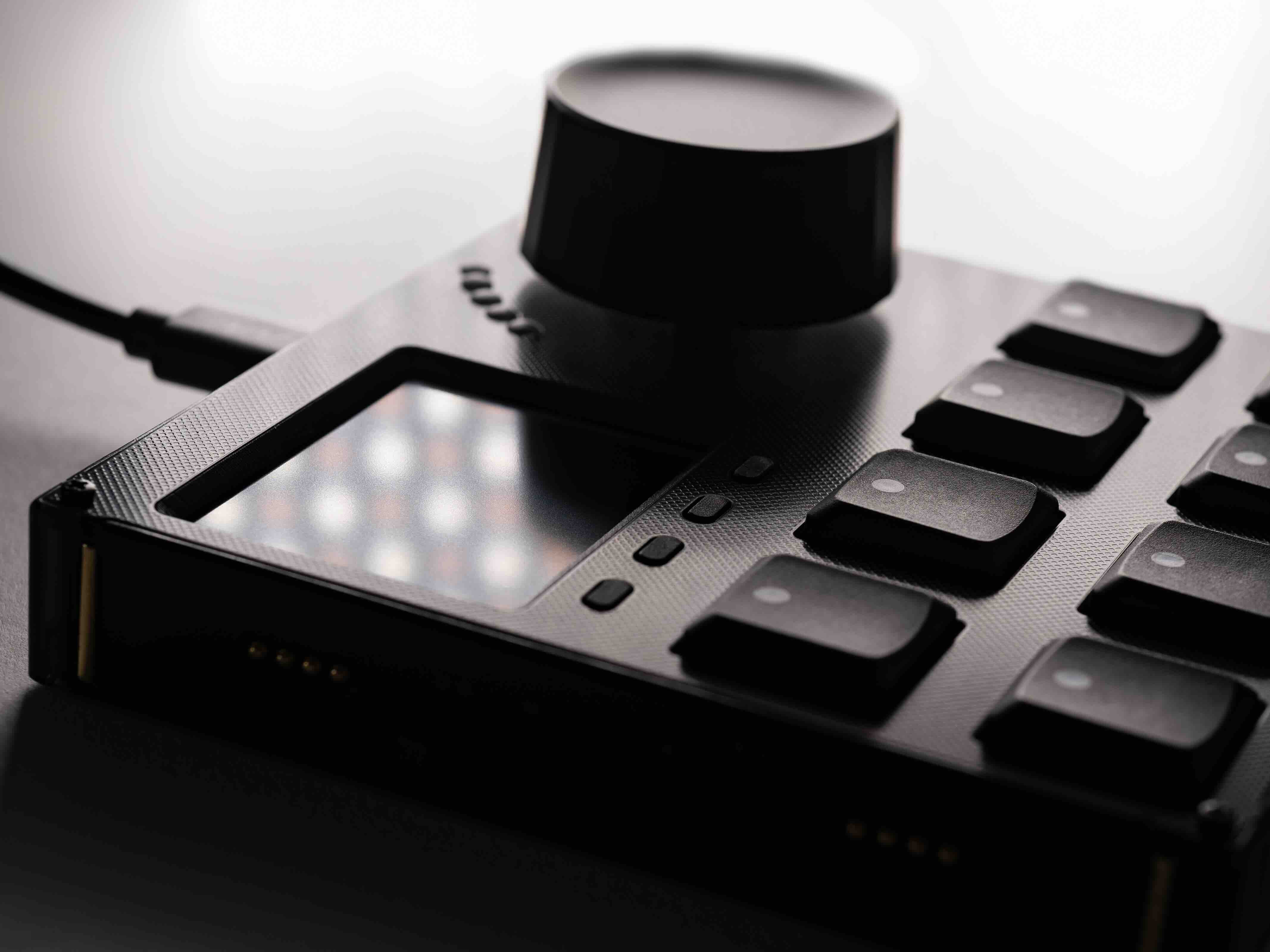
Store up to 32 parameters using 4 independent banks with 8 slots each for instant access without hovering. Assign parameters quickly by long-pressing a slot button while hovering, and switch banks instantly using step-button shortcuts.
Smart Workflow & Hardware Feedback
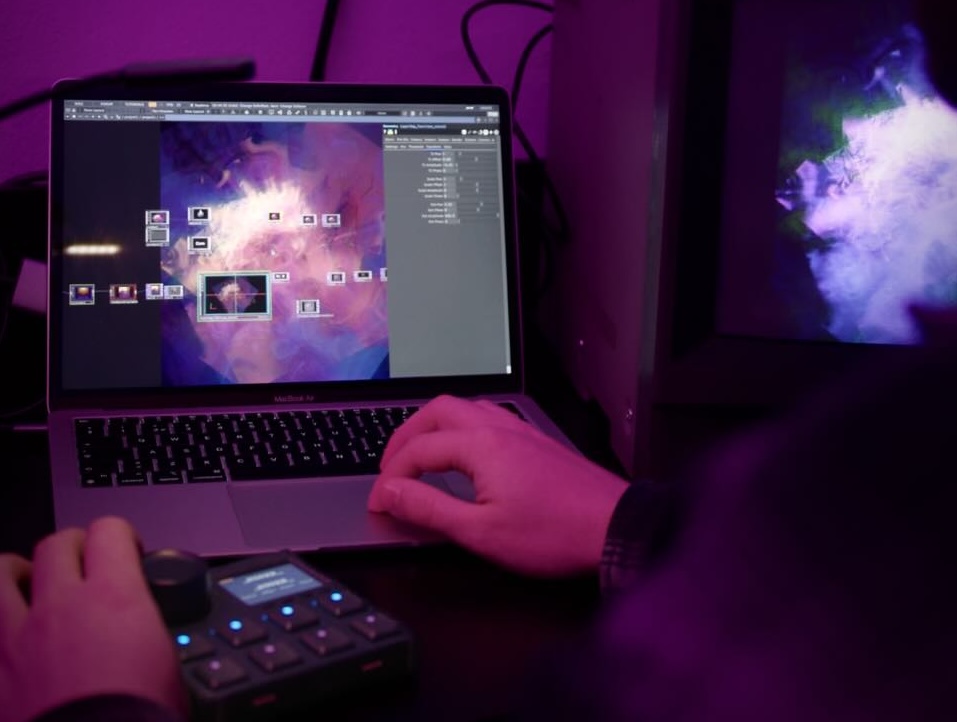
Enjoy smooth network navigation, full undo/redo, UI highlighting, sticky control mode, and smart recovery when operators are moved or renamed. VSN1 hardware integration provides real-time LCD and LED feedback, configurable power management and low-latency WebSocket updates.
Adjust the setup to your workflow
In our workflow demonstrations, we focus on efficient showcases of key features. We are well aware of the fact, that there is hard to find a one-size-fits-all solution when it comes to creative processes. All profiles, which are used in workflows can be changed and further customized. In most cases, the profile descriptions in the Editor software can be followed for quick configurations or use parts of the config to build out your truly own workflow.
Below you can view the current description of the profiles featured in this workflow.
developed by Function Store
Jam in TouchDesigner, hover over param, move big knob, profit! Supports 4 banks of 8 parameters to be saved to buttons instead of hovering. Quick learn by holding button when hovering a parameter. And much more!
Install:
- Upload this profile to your VSN1 module
- Open Grid Editor → Packages, then download and activate the TouchDesigner package.
- Open the installed package, download the .tox file, and use it in your TouchDesigner project.
Tutorial: https://youtu.be/XDQxaWc3piQ
More info: https://function-store.github.io/TD_ParHoverMIDI_VSN1
Products featured in this workflow
Our workflow configurations are made for specific modules for the most convenient experience. The configurations can be adapted to other modules, once you get to know Grid in detail.