Workflows for digital creatives, combining packages, profiles and configurations for various use cases.
Control RME Totalmix
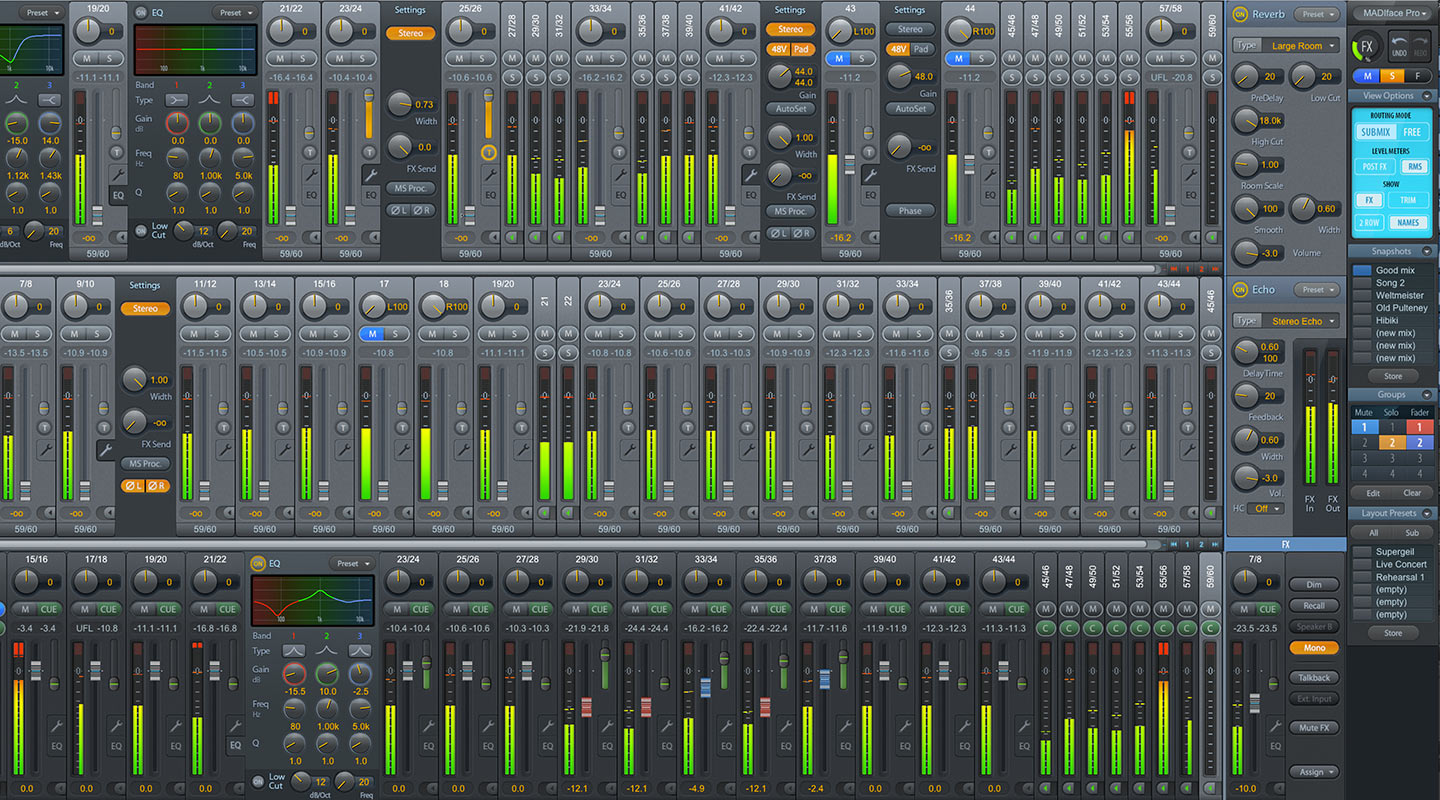
Overview
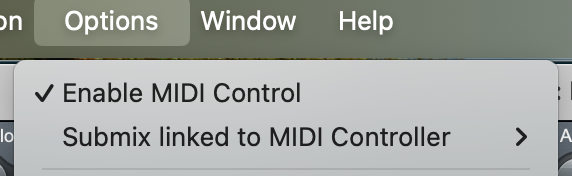
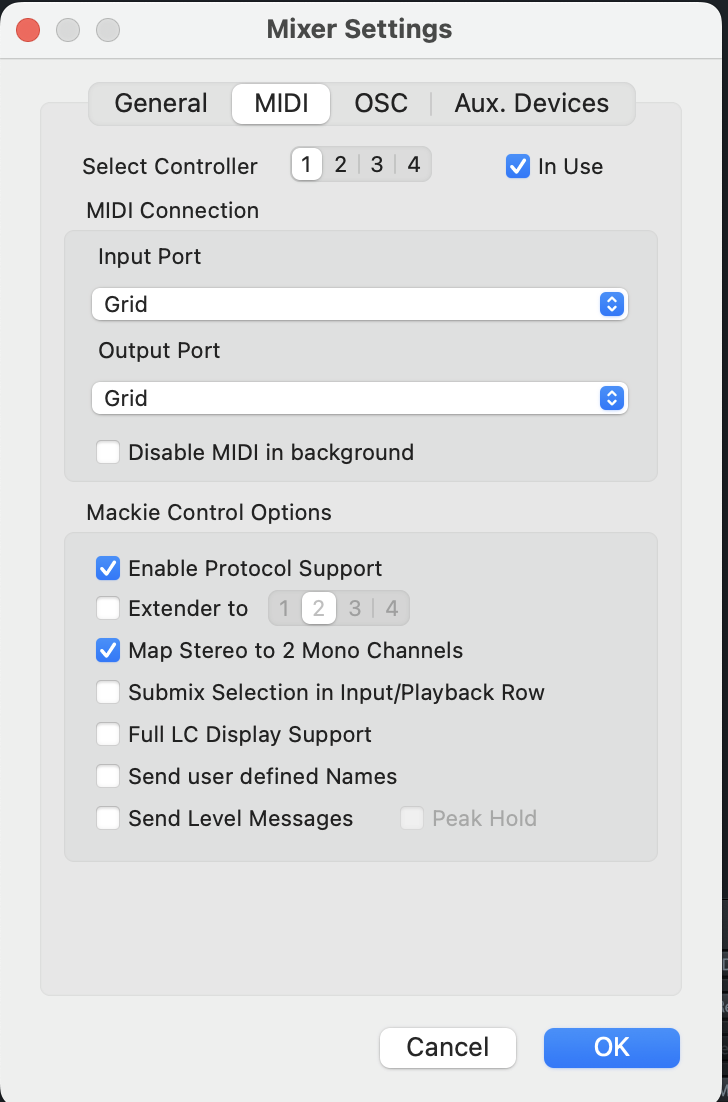
Control RME TotalMix with Grid for hands-on access to submix selection, channel levels, and monitoring functions. Use Grid's buttons and encoders to quickly switch submixes, adjust inputs and outputs, and streamline your mixing workflow.
Profile preview
Sneak peak into the configuration used in this workflow. The elements are named according to their functionality. If there is a ring around the element, you can click on it for more info.
Products featured in this workflow
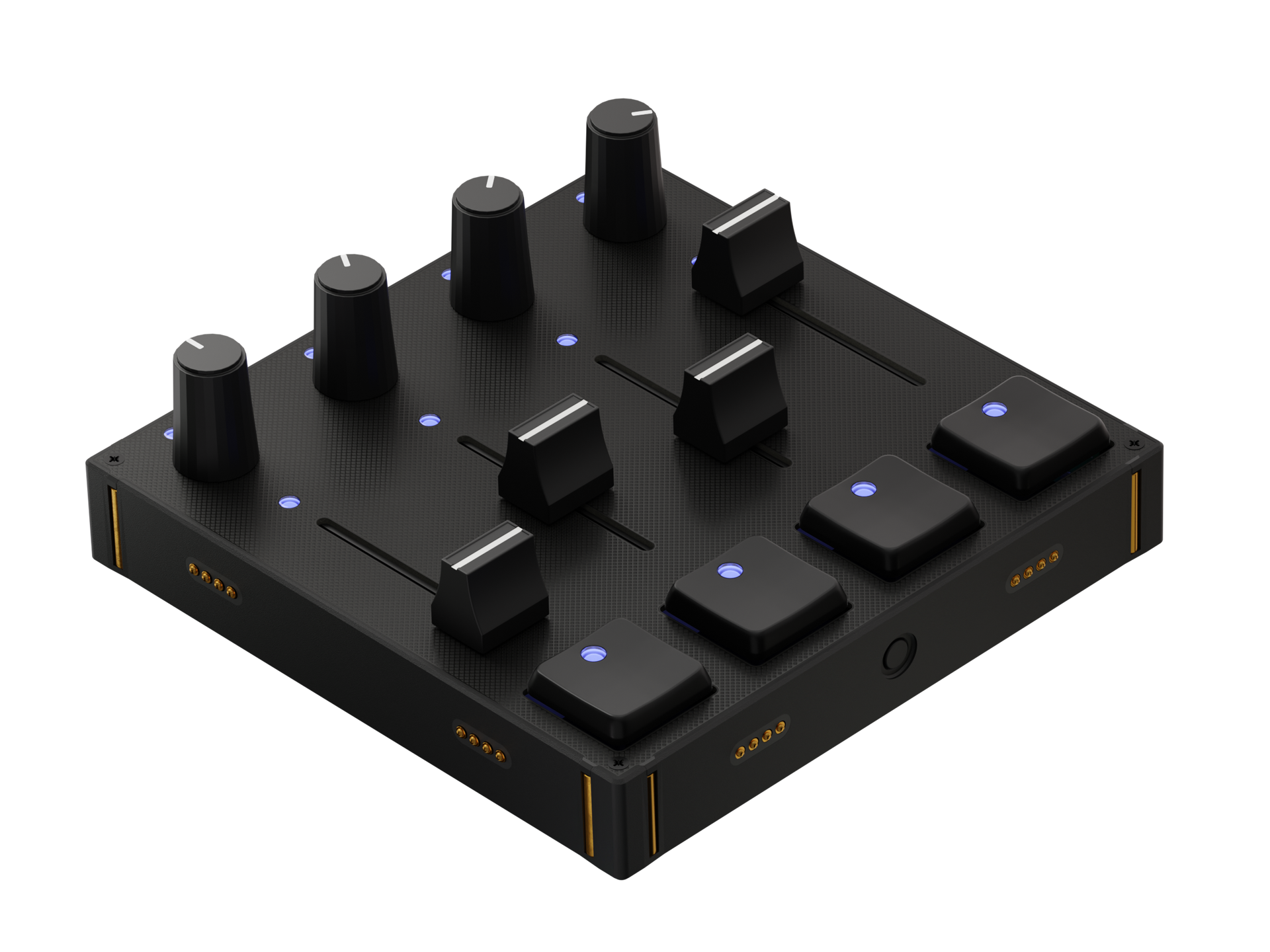
Our workflow configurations are made for specific modules for the most convenient experience. The configurations can be adapted to other modules, once you get to know Grid in detail.
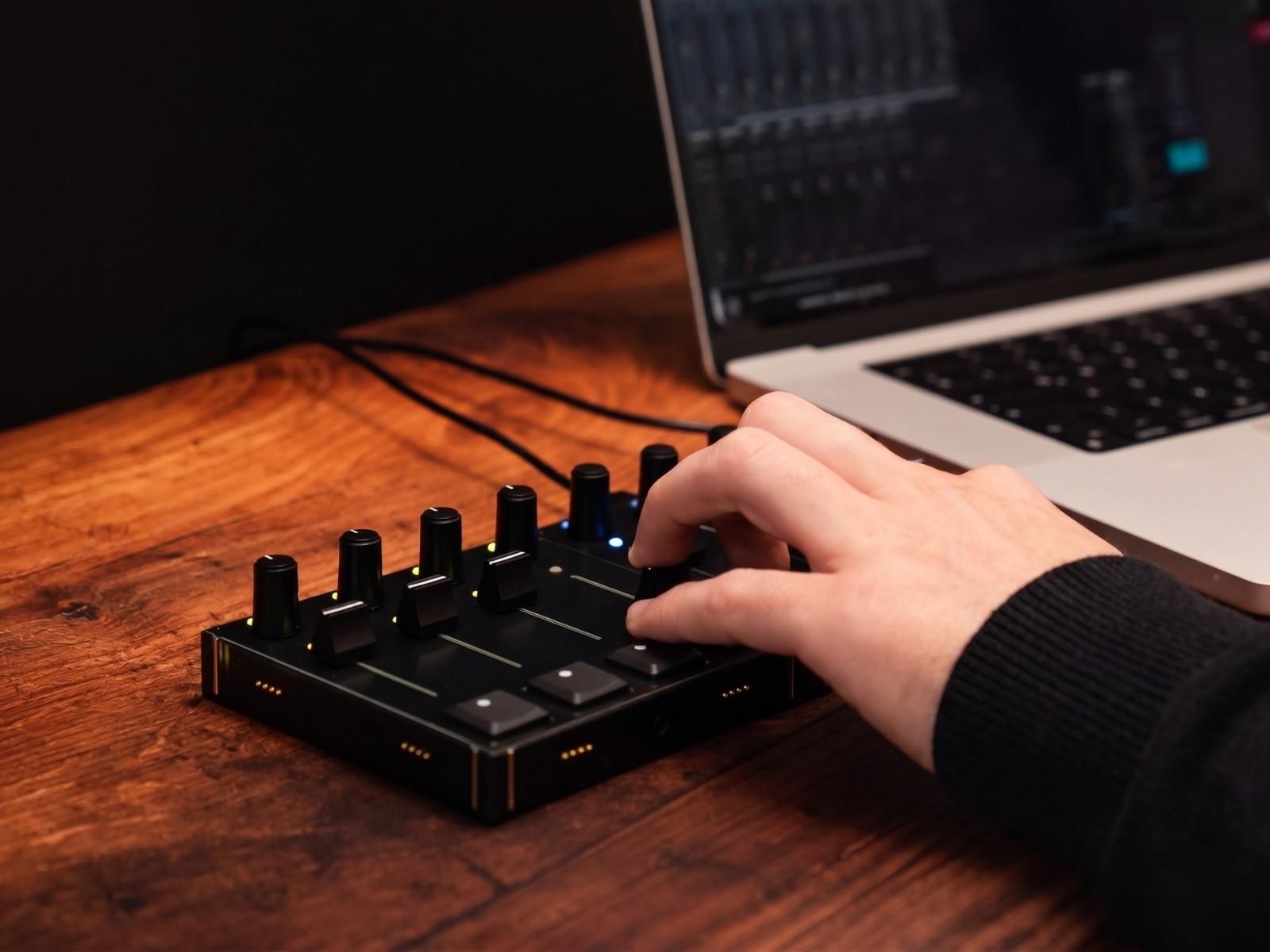
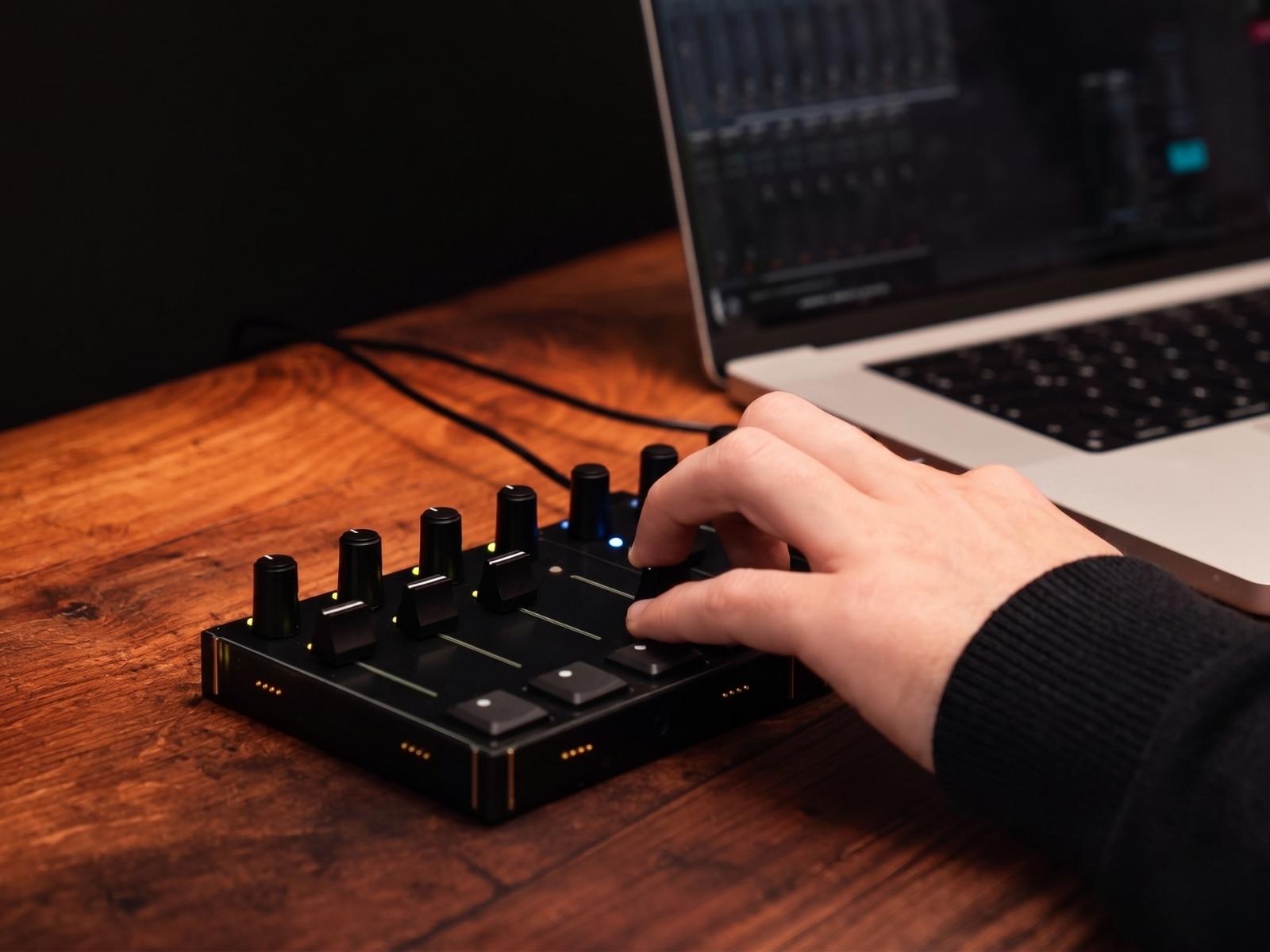
Submix control
Easily switch between TotalMix submixes using Grid buttons and adjust channel levels with encoders. You can also recall snapshots instantly, allowing you to jump between different routing and monitoring setups without interrupting your workflow.
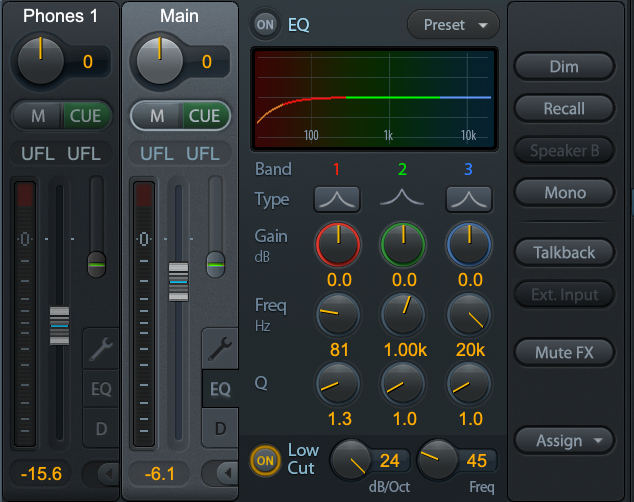
Master and phones control
Control master output, headphone levels, and hardware playback (computer volume) directly from Grid. Fine-tune volume, mute channels, and manage your listening environment in real time. Quickly switch between mono and stereo on the master output for faster and more accurate monitoring.
Adjust the setup to your workflow
In our workflow demonstrations, we focus on efficient showcases of key features. We are well aware of the fact, that there is hard to find a one-size-fits-all solution when it comes to creative processes. All profiles, which are used in workflows can be changed and further customized. In most cases, the profile descriptions in the Editor software can be followed for quick configurations or use parts of the config to build out your truly own workflow.
Below you can view the current description of the profiles featured in this workflow.
Products featured in this workflow
Our workflow configurations are made for specific modules for the most convenient experience. The configurations can be adapted to other modules, once you get to know Grid in detail.