Workflows for digital creatives, combining packages, profiles and configurations for various use cases.
Ableton Mixer and Launch control
Overview
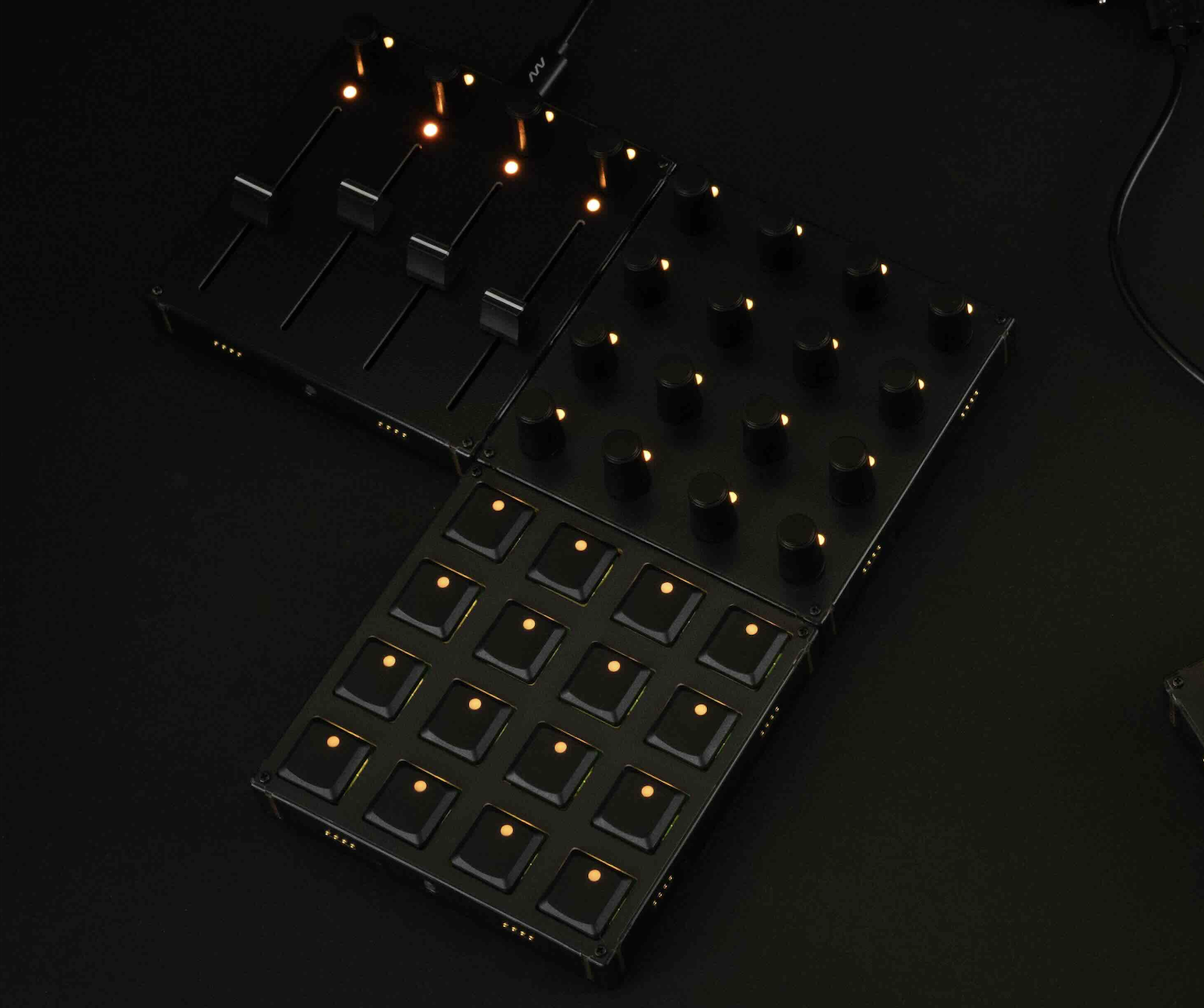
Control 4–8 tracks with encoders for volume, pan, and two sends, and push actions for mute, solo, arm, plus track and clip navigation, all with LED feedback showing current values. The encoders always pick up from the current state, ensuring smooth control with no value jumps.
Profile preview
Sneak peak into the configuration used in this workflow. The elements are named according to their functionality. If there is a ring around the element, you can click on it for more info.
Products featured in this workflow
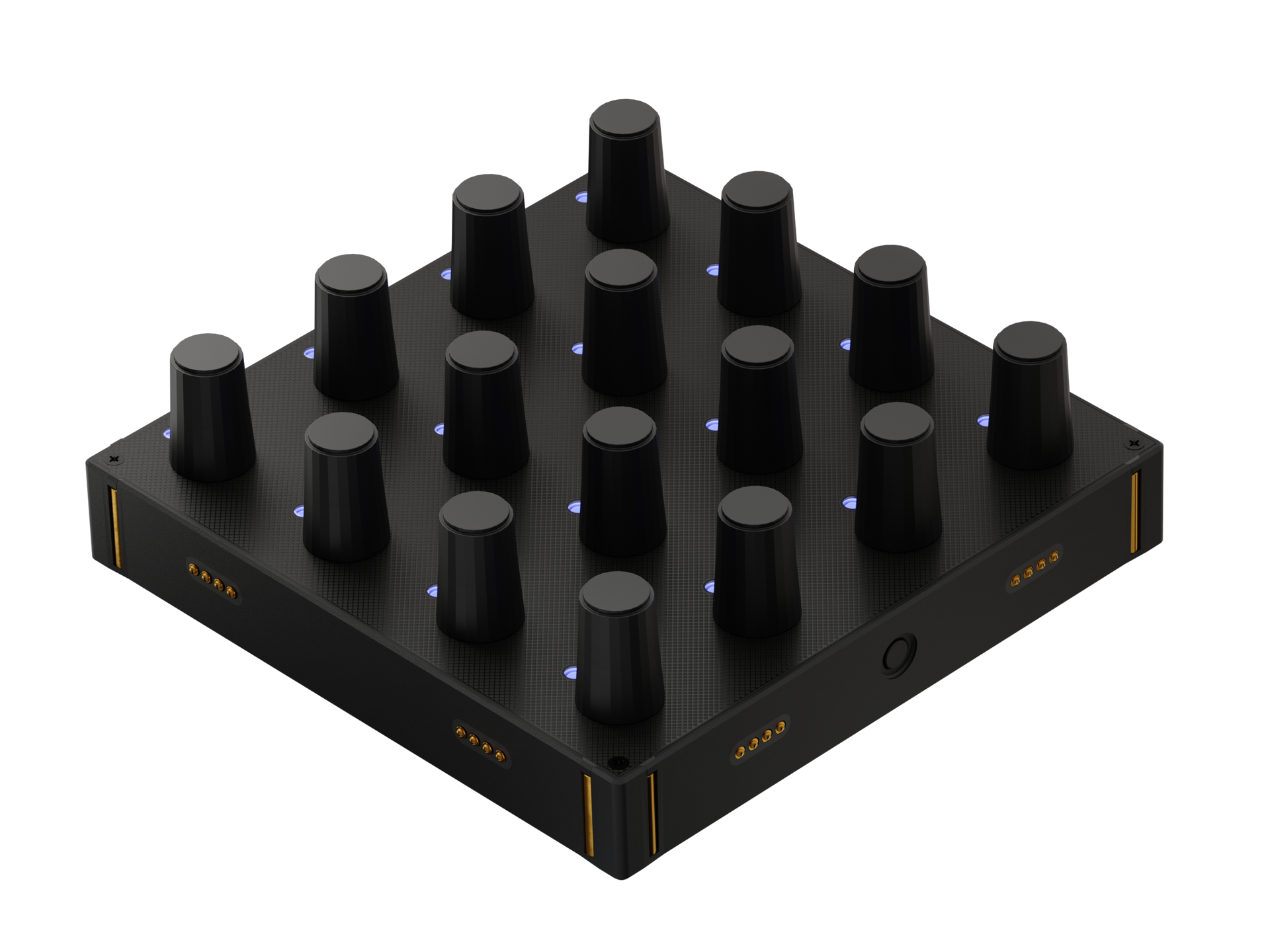
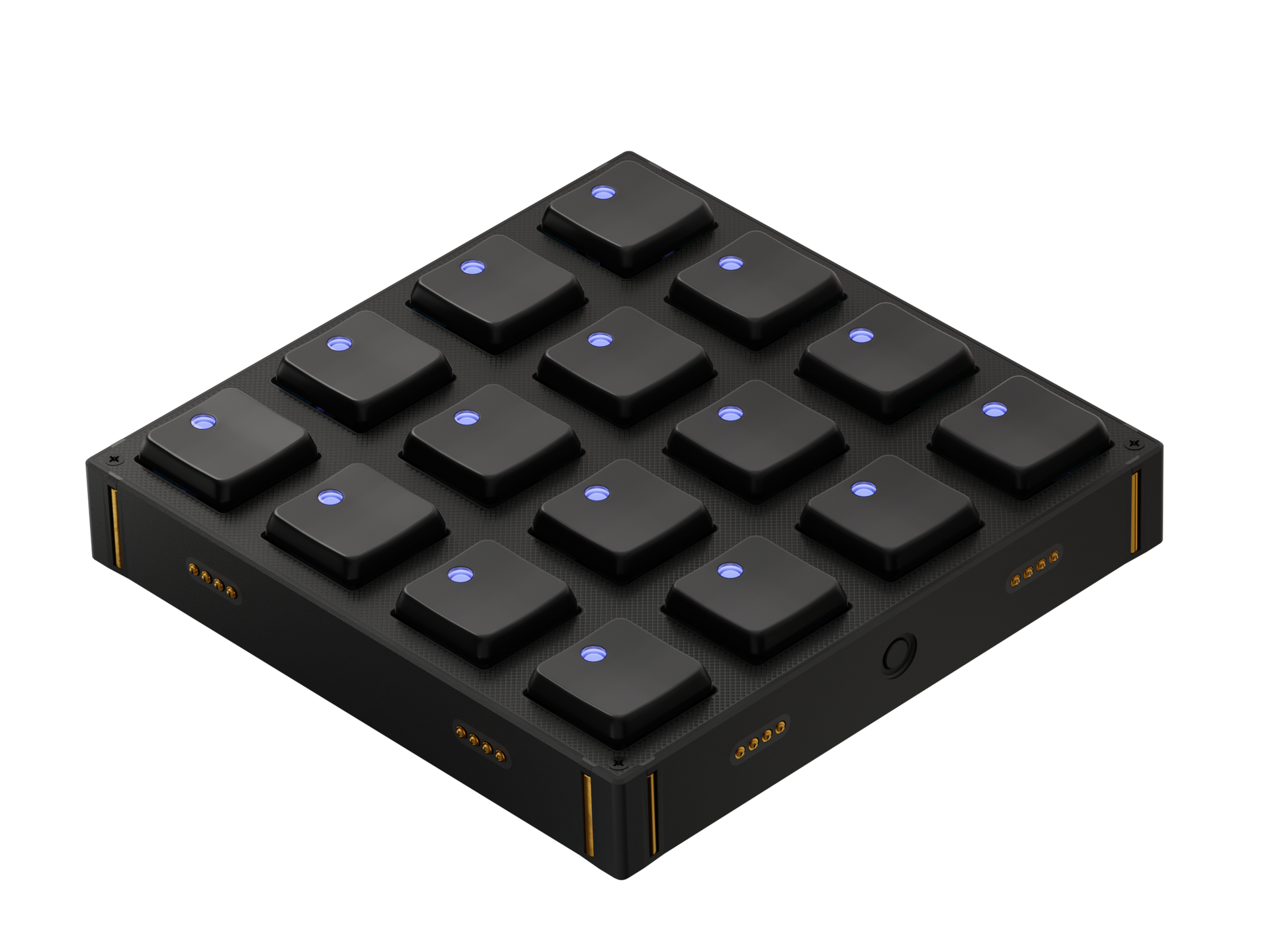
Our workflow configurations are made for specific modules for the most convenient experience. The configurations can be adapted to other modules, once you get to know Grid in detail.
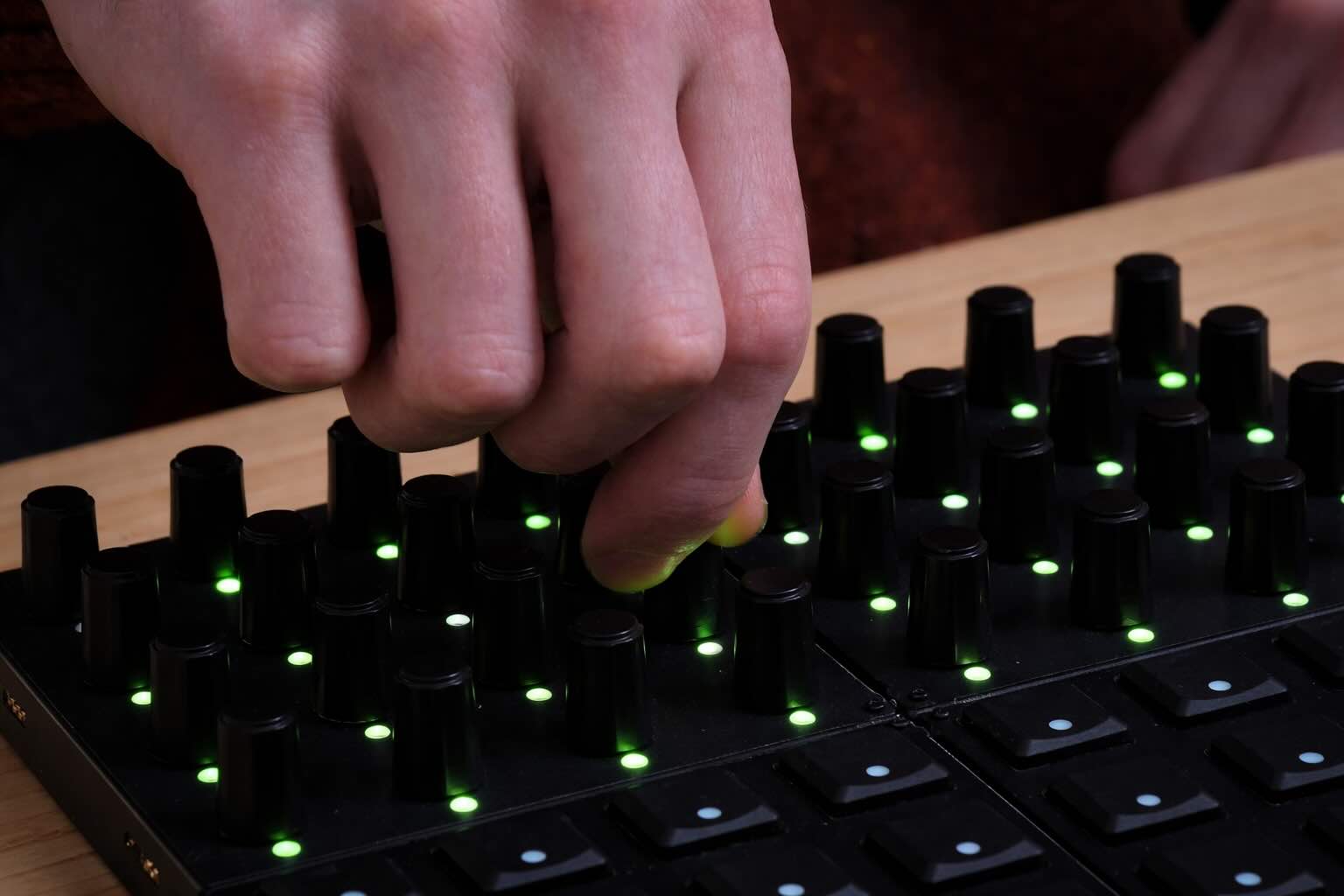
Visual feedback
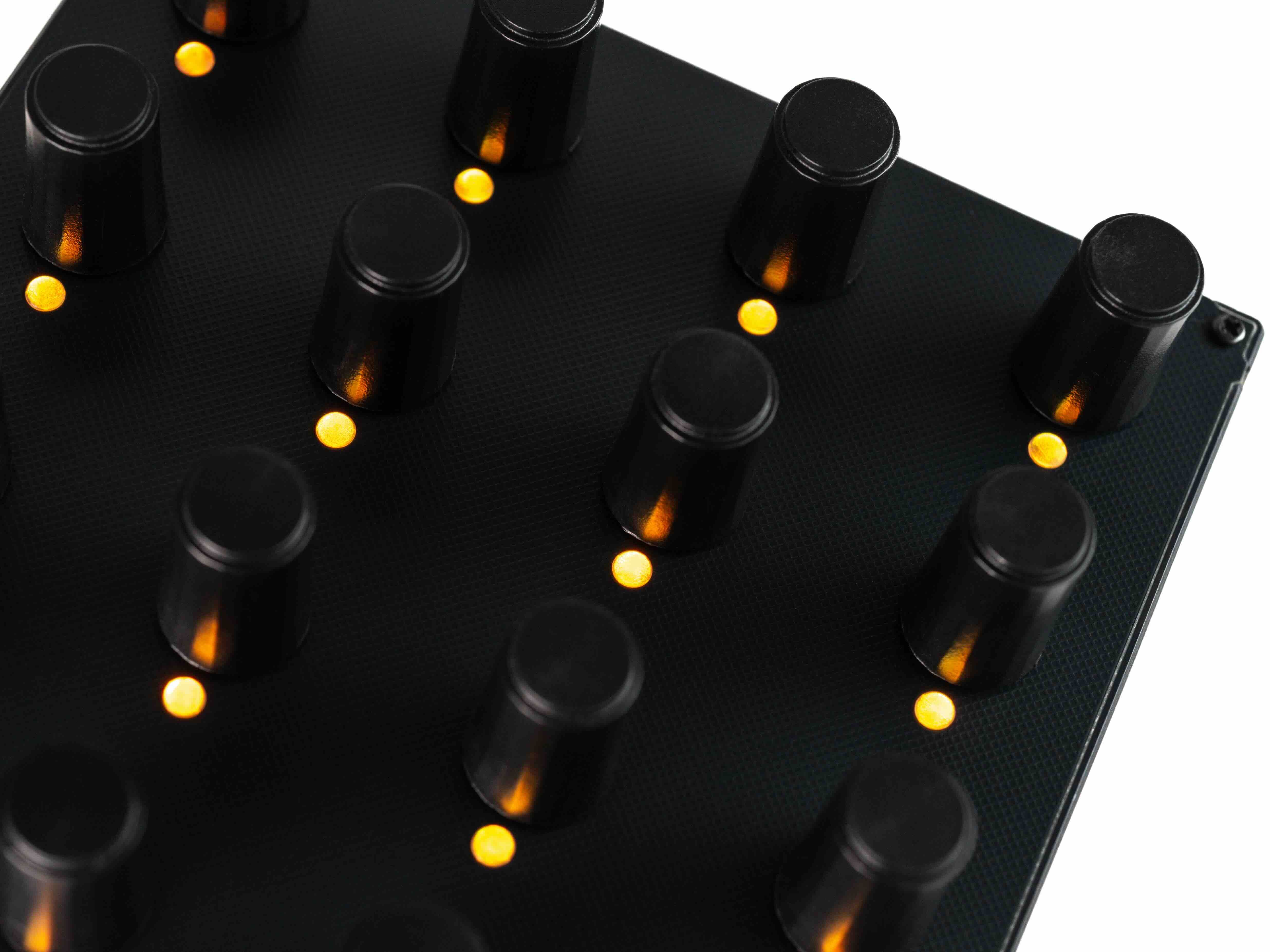
Touch any knob or fader and that track becomes selected in Ableton. This makes editing easy. The red box shows you exactly which tracks you're at. Press left or right to shift through your tracks—the highlight moves with you, so you always know where you are.
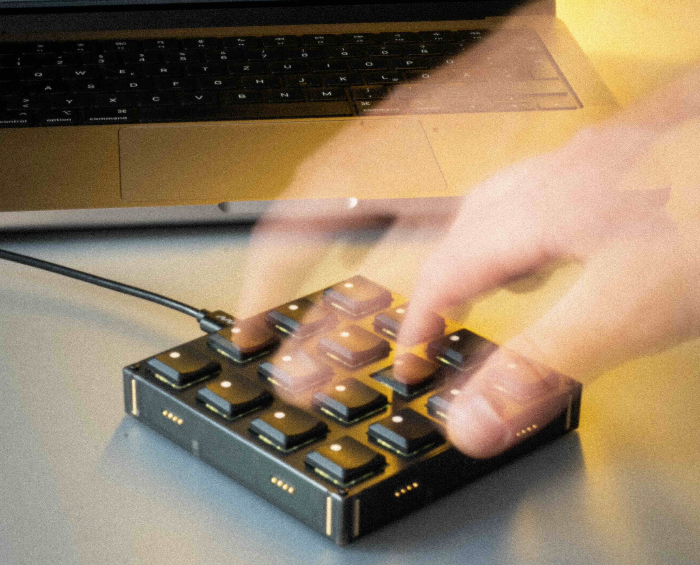
Compact & Fast
You can use the BU16 for clip launching and recording if desired, or simply use this script as a fast, hands-on mixer for Ableton Live.
Customizable Script
The EN16 can control most mixer parameters, but if you prefer faders, it works just as well. You can easily customize which parameters are assigned to the buttons and encoders or potentiometers.
Adjust the setup to your workflow
In our workflow demonstrations, we focus on efficient showcases of key features. We are well aware of the fact, that there is hard to find a one-size-fits-all solution when it comes to creative processes. All profiles, which are used in workflows can be changed and further customized. In most cases, the profile descriptions in the Editor software can be followed for quick configurations or use parts of the config to build out your truly own workflow.
Below you can view the current description of the profiles featured in this workflow.
Ableton Grid Script – Installation Guide
This profile controls the Ableton Live mixer and clip launching via the Grid script.
It works with any module combination:
- Up to 1–2 × BU16 for clip launching and mixer control
- 1–2 × EN16, EF44, or PBF4 for track navigation and mixer control
Installation
- Upload the profile to your module.
- Go to Packages and download the Ableton Script Installer package.
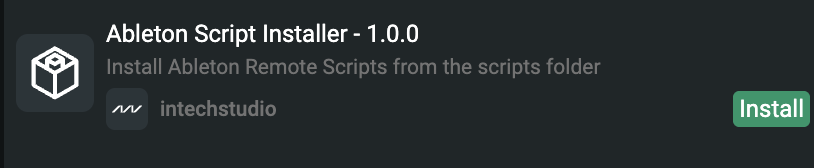
- Choose either the 4-Track Mixer or 8-Track Mixer Script. The script installs automatically.
Ableton Setup
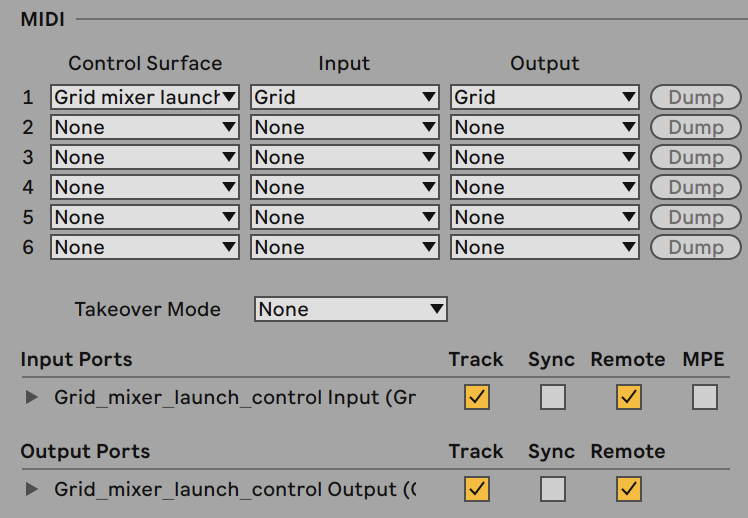
- Open Ableton Live → Preferences → MIDI.
- Select Grid as the Control Surface.
- Set Input and Output to Grid.
- Enable Track and Remote for both input and output ports.
🎛️ Enjoy!
Products featured in this workflow
Our workflow configurations are made for specific modules for the most convenient experience. The configurations can be adapted to other modules, once you get to know Grid in detail.